Git-based deploy workflow for Website Hosting System
Since I plan to host multiple websites on my server in the future and charge for management, I need an easy way to make updates locally on my MacBook, run tests, then push those updates and pull them on my Website Hosting System secure-website-hosting-system on Node 1.
Fortunately, I've already implemented a system like this for this website, my portfolio site. I use claude ai to help me implement new features, and I can easily push changes to GitHub and pull them from my website container.
Once I've linked my source code to Claude, all I have to say is push and it'll send commit updates to my website's private repo on GitHub.
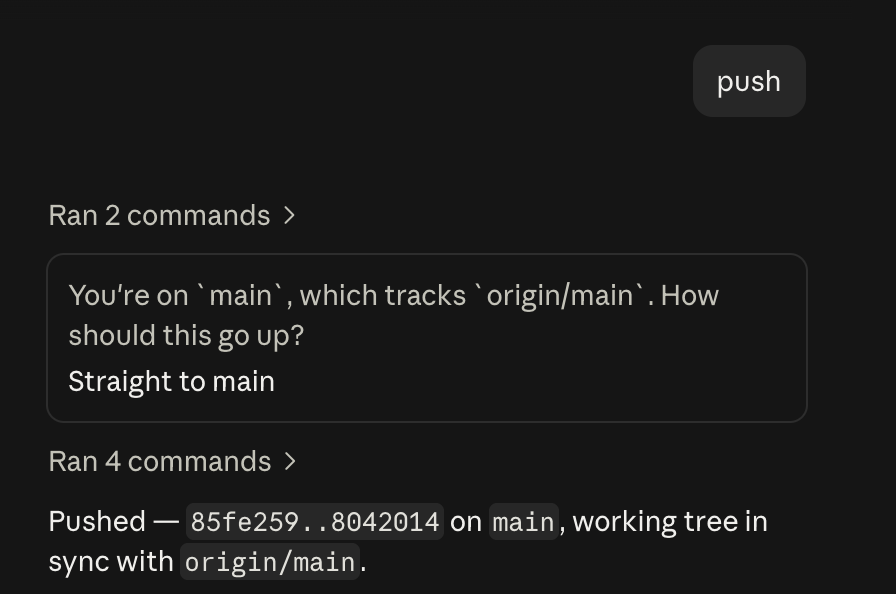
Afterwards, I can go to my container, open the docker folder, and run the command git pull. After that, I just need to rebuild my compose; it will automatically update the live site as well as the admin backup.
cd /opt/portfolio- source code directorygit pull- pulls the latest repodocker compose up -d --build- rebuilds the docker containercurl -fsS localhost:XXXX/healthz- ensures everything is up and healthy
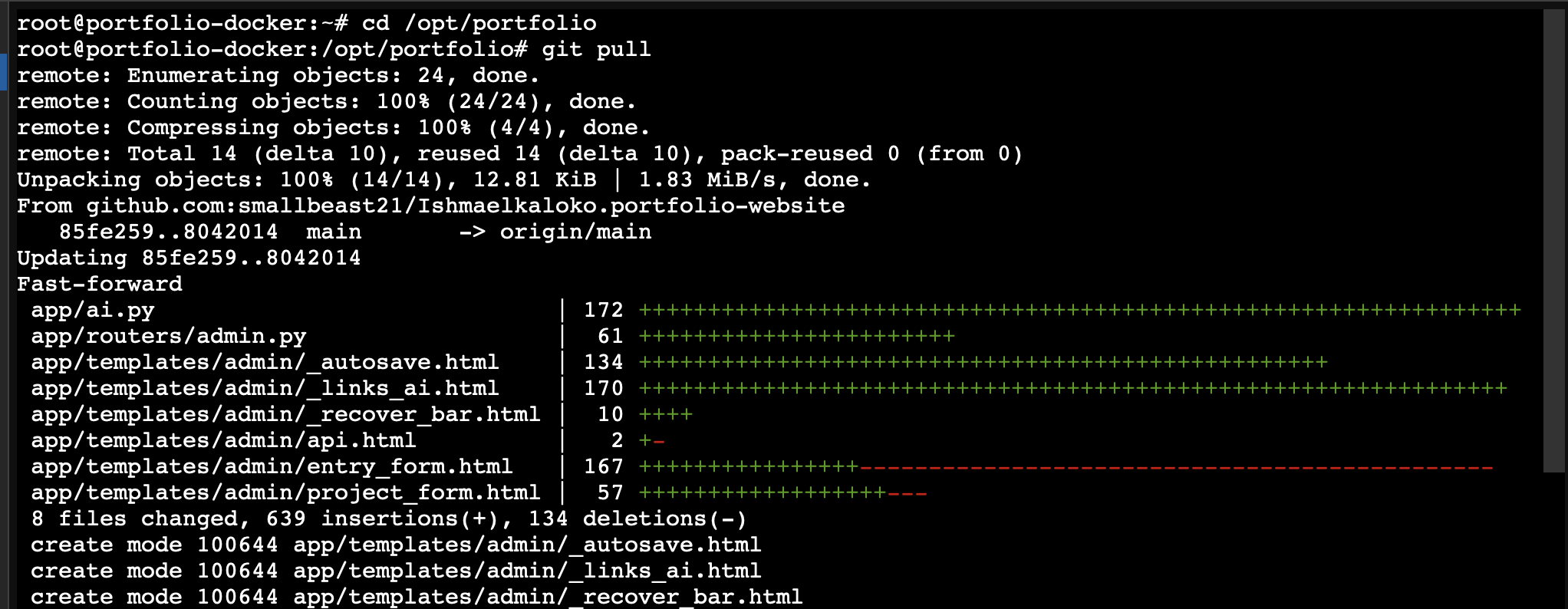
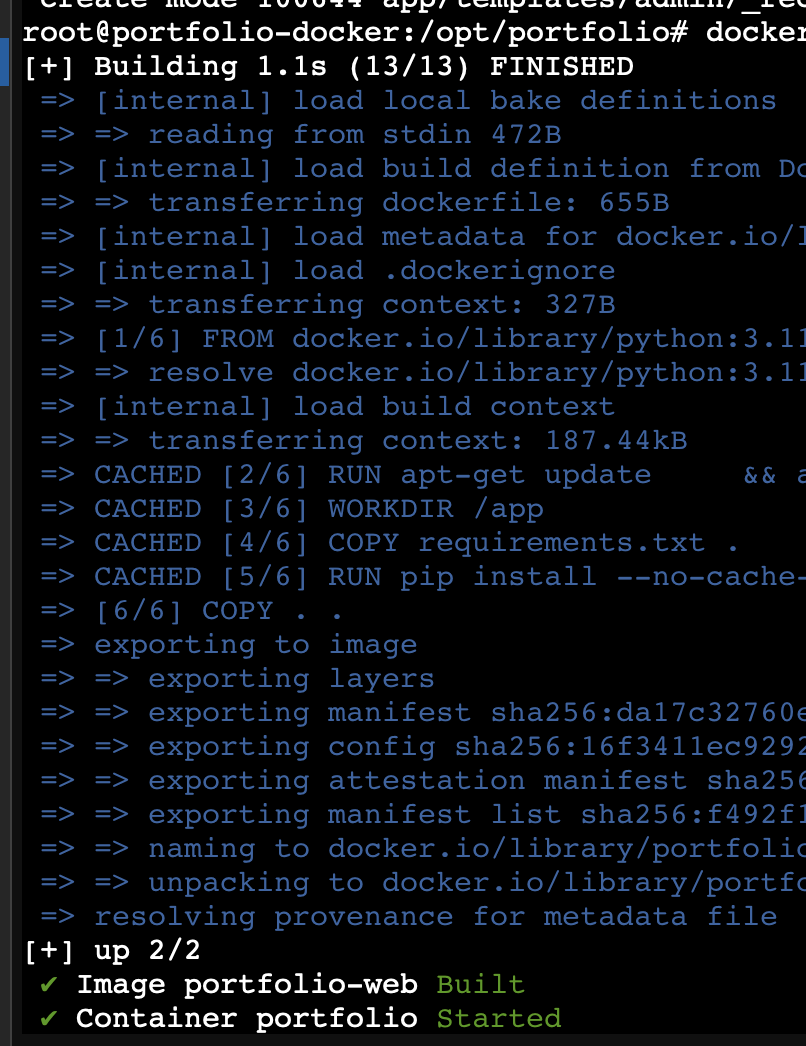
Now everything is up and running. If I access my site's admin page locally, I can see the feature has been added.

Conclusion
This is a simple way to implement new features as well as patch bugs in my project's source code. It will also help me manage multiple sites at once. In the future I want to build a mini platform to view and manage the state of all my sites, but since I'm currently only hosting my own sites, this approach works well for my case.
// related project
Secure Website Hosting System →