Public DNS for media service
In the near future I need to ensure my sites that are published to the internet are set up correctly and securely. This is all apart from my Website Hosting Project.
In this phase I'm going to start by giving my media service media-service a public DNS so my family and I can access it remotely. I also want a unique but memorable domain name that isn't just a long IP. This process will be nearly the same for all my future hosted sites, so this will be the blueprint.
Implementation
Setting up Reverse Proxy
Caddy
As my reverse proxy service, I'm going to be using Caddy. It's a service I'll run standalone on a CT on my node 1 proxmox node; it'll sit in front of my sites and web apps, generate the SSL/TLS certificates to secure connections with HTTPS, and forward requests to my backend.
Grab latest version of Debian
pveam update
pveam available --section system | grep debian
pveam download local debian-13-standard_13.0-1_amd64.tar.zst
Create the Container
caddy fmt --overwrite /etc/caddy/Caddyfile
caddy validate --config /etc/caddy/Caddyfile
systemctl reload caddy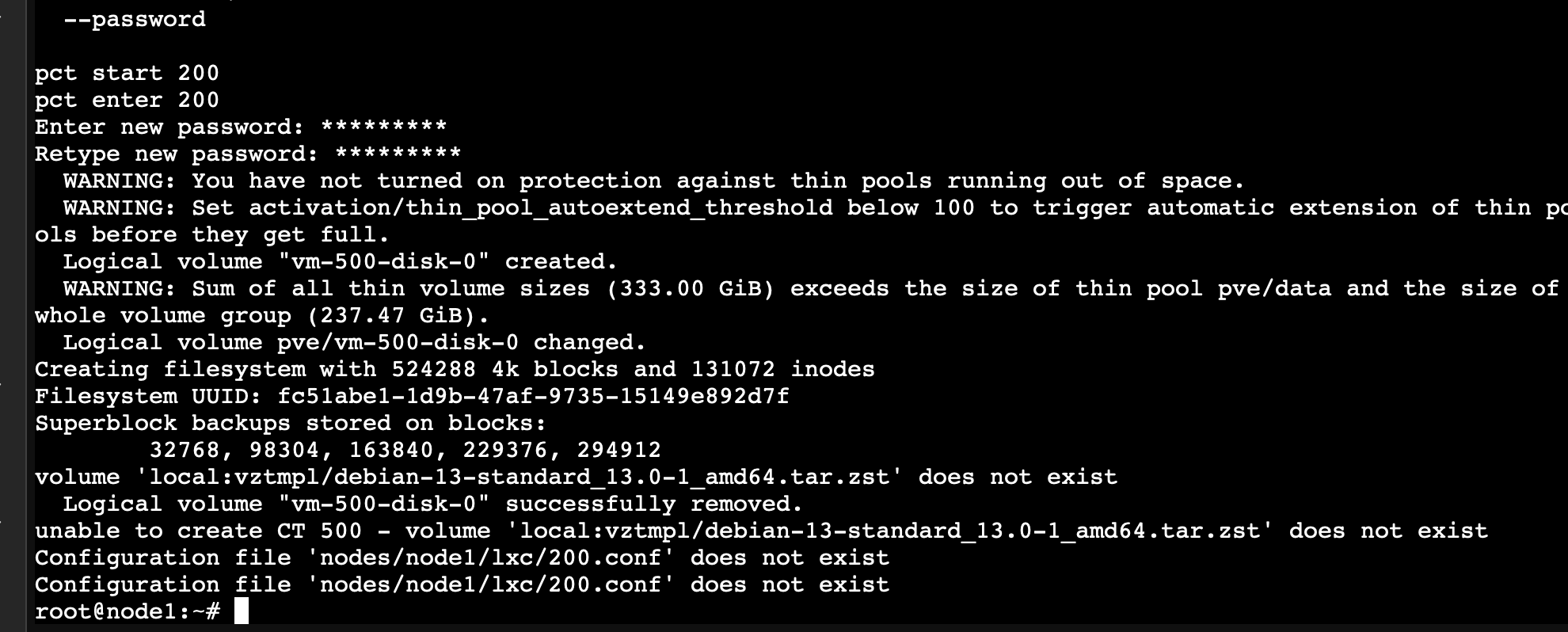
Ensure everything is updated
apt update && apt upgrade -y
apt install -y curl gnupg
Install Caddy
caddy fmt --overwrite /etc/caddy/Caddyfile
caddy validate --config /etc/caddy/Caddyfile
systemctl reload caddy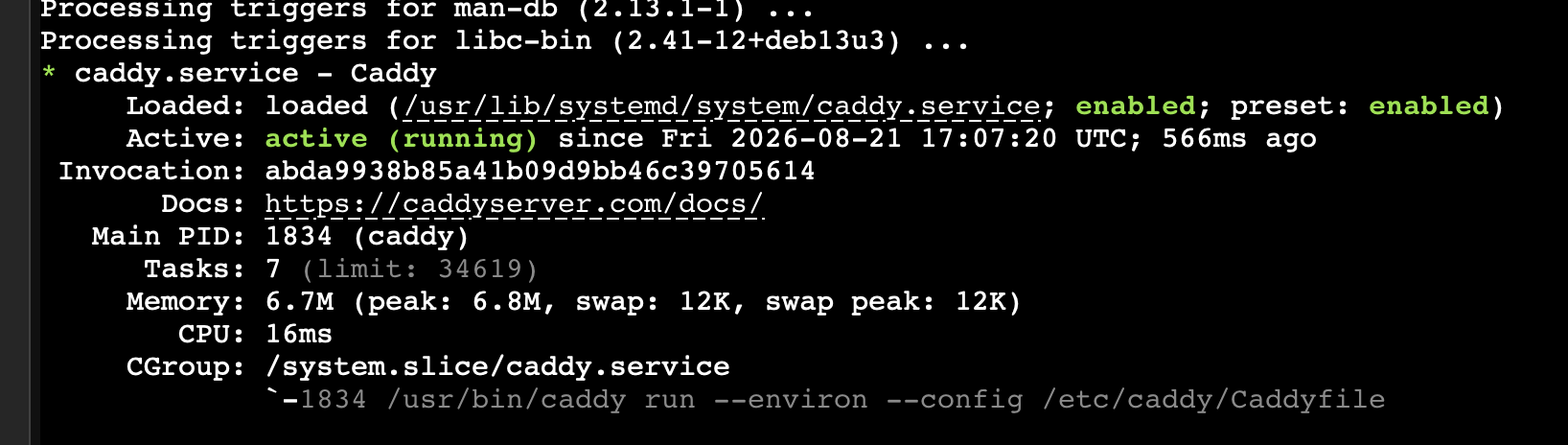
Setup Caddy File
pveam update
pveam available --section system | grep debian
pveam download local debian-13-standard_13.0-1_amd64.tar.zst
Format Checker
caddy fmt --overwrite /etc/caddy/Caddyfile
caddy validate --config /etc/caddy/Caddyfile
systemctl reload caddy
Final Test
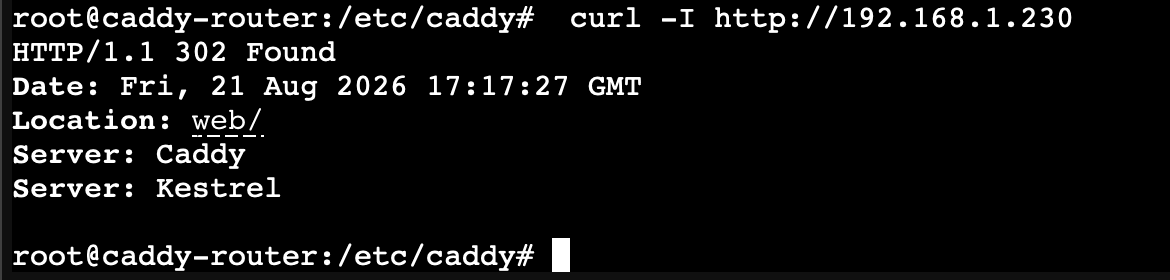
Now Caddy is set up on my node and can be used for all my current and future web apps.
Opening Network Ports
I need to ensure ports 443 and 80, which are HTTP and HTTPS, are open on my network using port forwarding. Opening these ports will allow certificate authorities to connect to my server and allow browsers to connect. HTTP does it in another way I will discuss in a future journal.
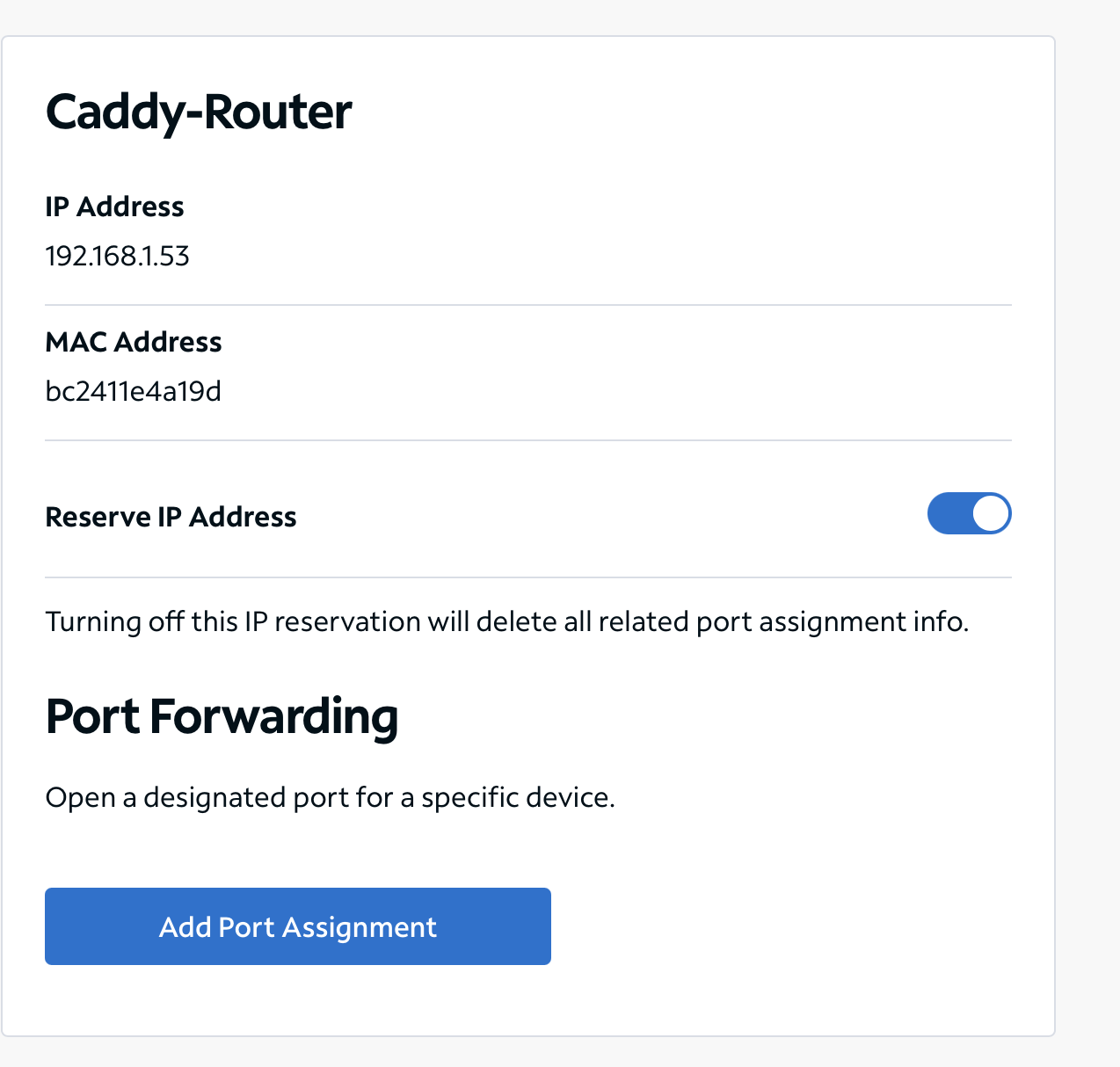
First, I need to reserve the IP on my router itself since I use Spectrum. To do that, I need to get the MAC address, match it, then set the LAN IP I created when creating the CT.

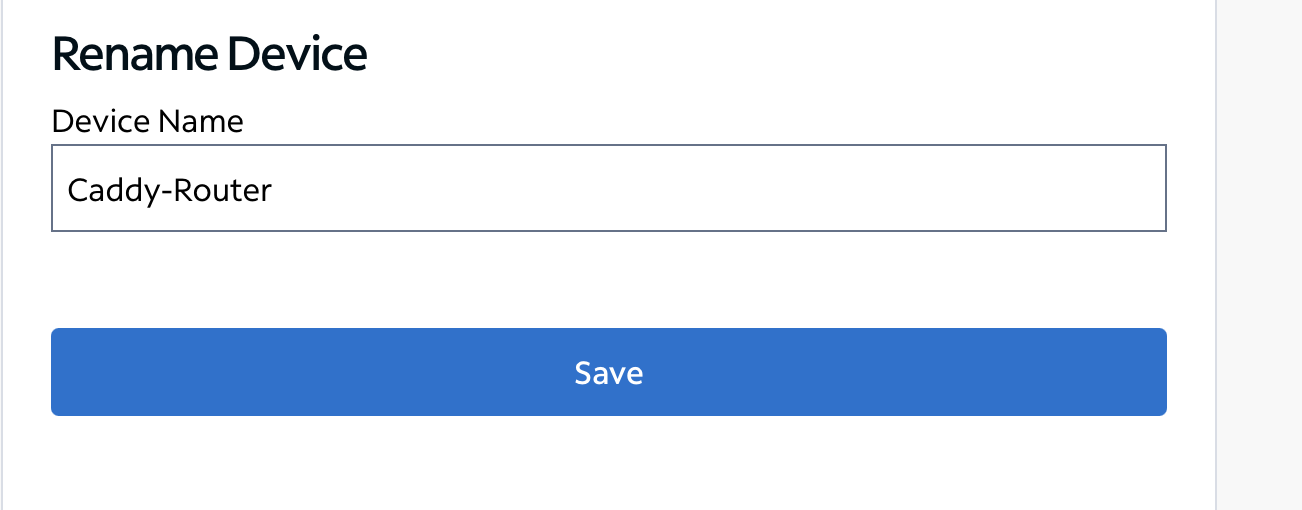
Next I need to reserve the IP on my router.
I came across an issue while doing this: I realized Spectrum doesn't allow you to port forward without reserving the IP, and I can't reserve the IP because my Caddy-Router CT was set to a static IP.
To resolve this, I must convert my Caddy-Router CT to use DHCP and manually set it from my router.
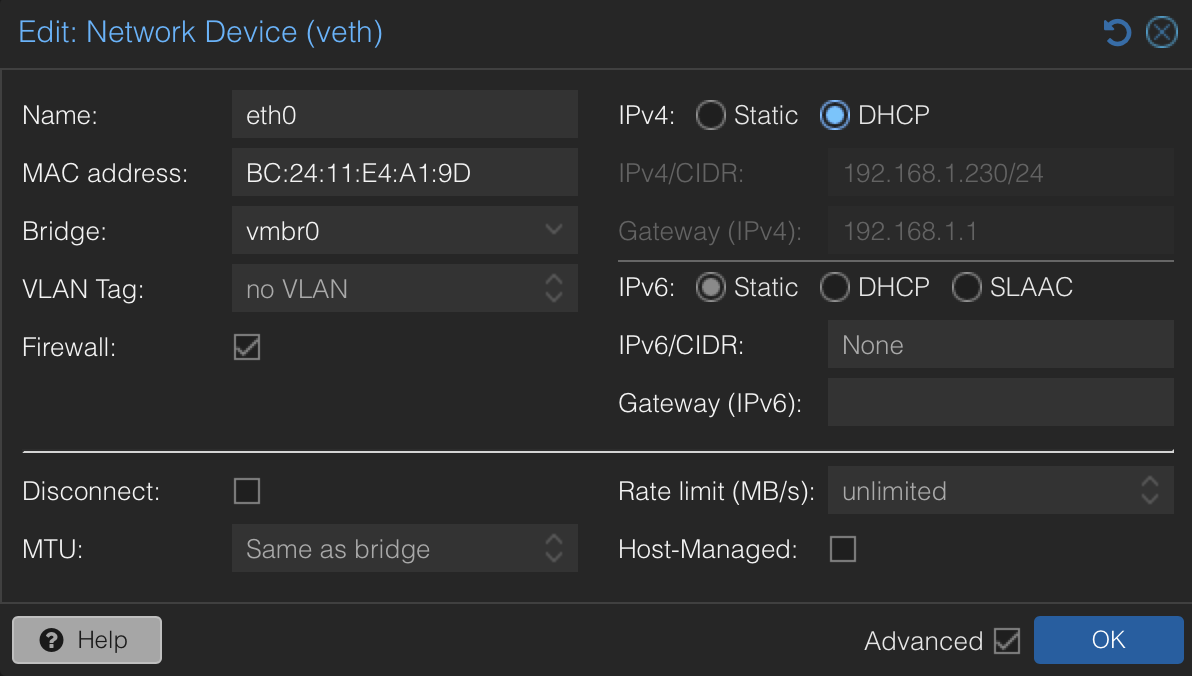

It gave me an IP of 192.168.1.53, so I'll just keep it and update all my configs with the same values.
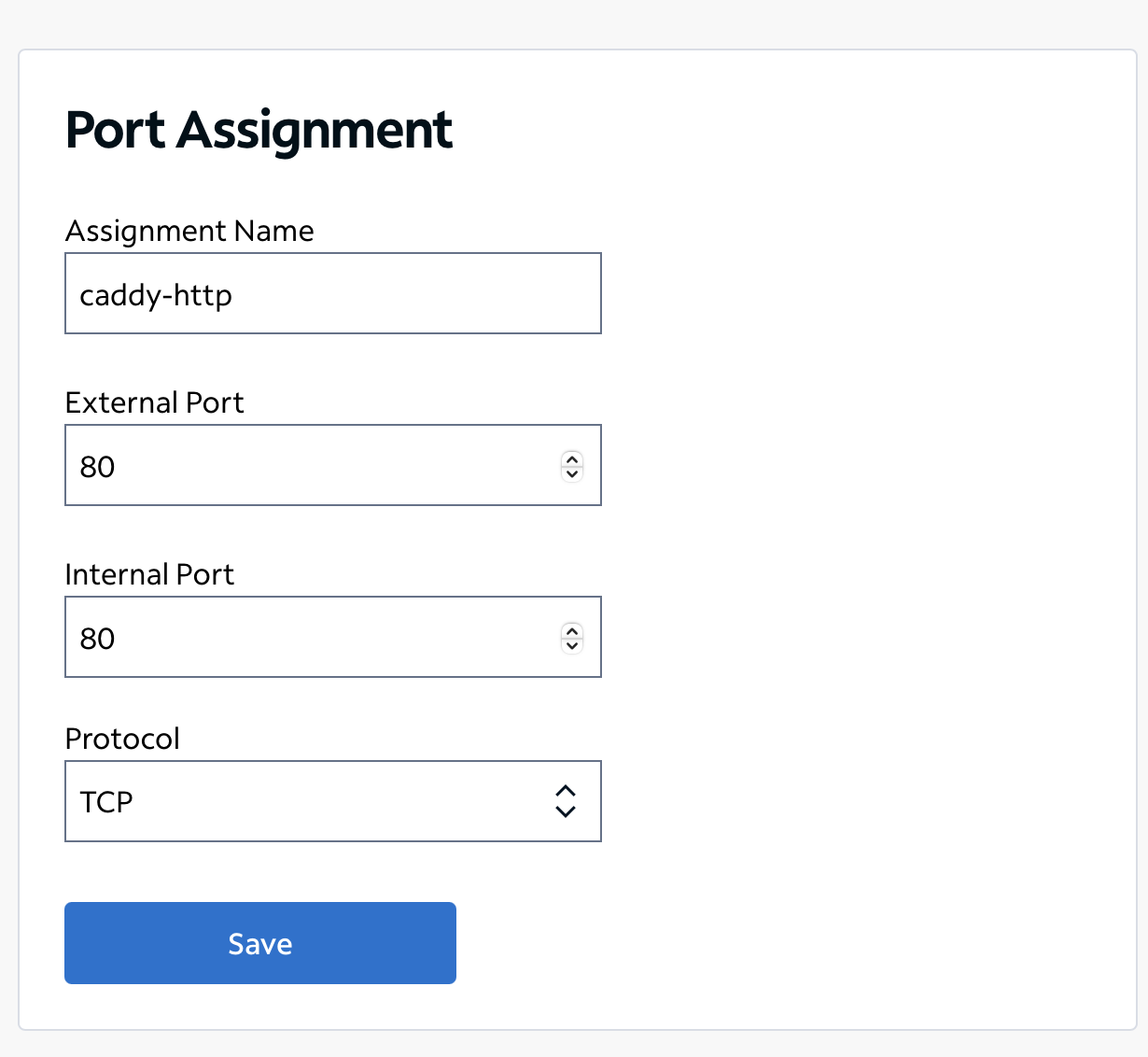
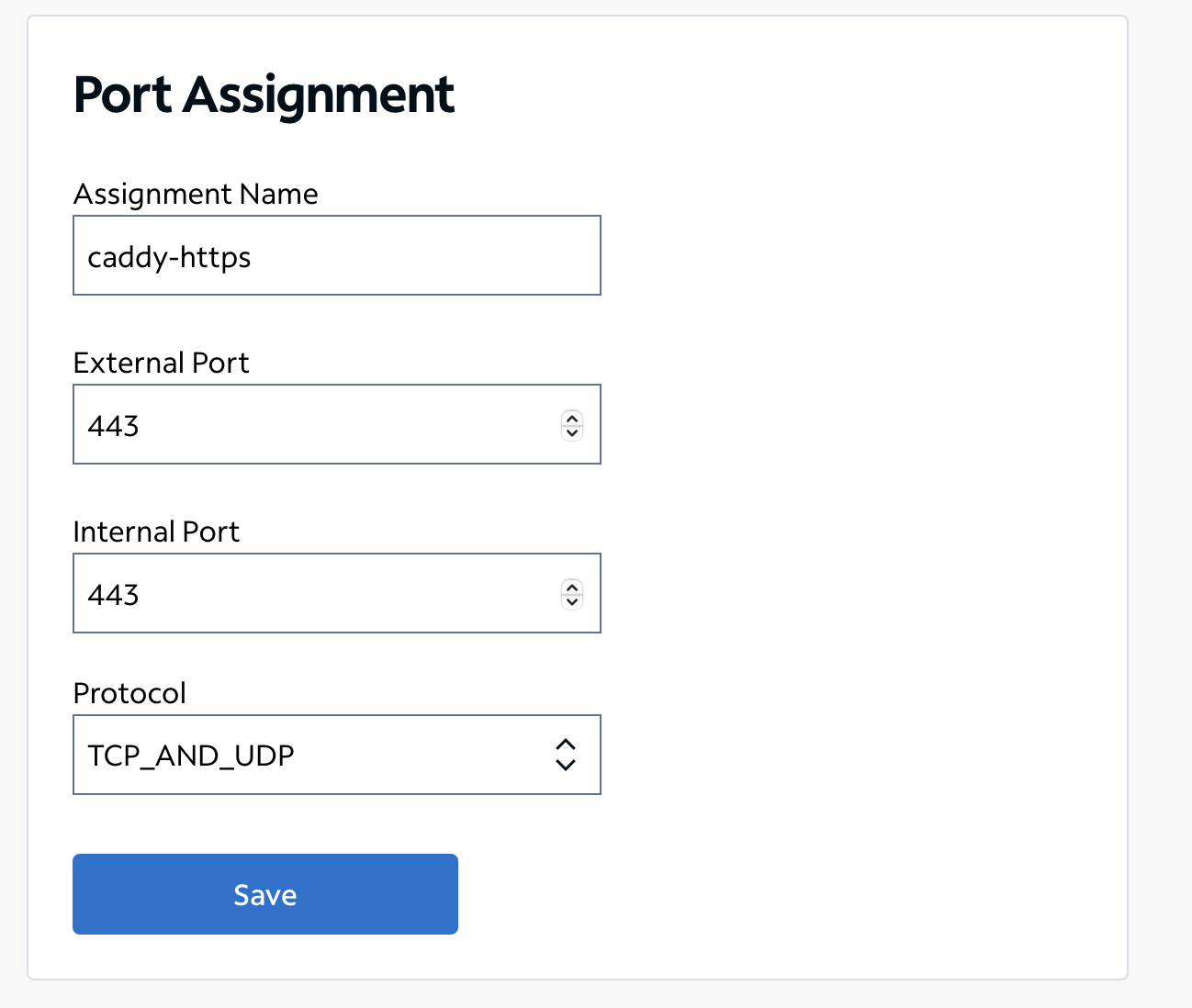
Now I have to ensure these ports are being forwarded using https://canyouseeme.org with my IP and the same ports.
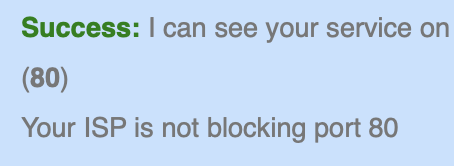
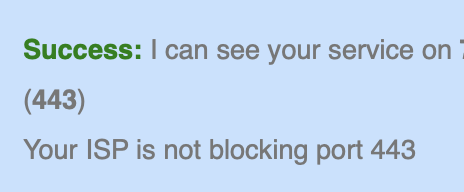
Success
My ports are now being forwarded securely.
Getting my Domain Name
I'm going to be using Cloudflare Registrar to purchase and configure my domain.
There are a few settings I need to configure before I bind it to my Caddy and media service
Add DNS Record
Set up @ and www as DNS only. I also had to disable the Cloudflare proxy (orange cloud) since I'm using media; all I need is the domain to forward to my network and Caddy will do the rest (grey cloud).
Binding Domain to Caddy
I need to modify my Caddy config to do this: redirect all users connecting to my network from xxxxx.com to the host and port on my network.
To verify this, I can use this command to ensure my configs have the correct syntax and that everything works accordingly
caddy fmt --overwrite /etc/caddy/Caddyfile
caddy validate --config /etc/caddy/Caddyfile
systemctl reload caddy
Now I should be able to go on any device on any connection (besides my own LAN due to loopback issues) and access my website.
Success
Note to reader
I'm not showing proof of connection because this domain is personal for my family and me, and I'm in the process of securing it, but the operation was successful.
I was able to securely access my media service from the web using my custom domain and reverse proxy. My next steps are to secure it from any potential future threats.
// related project
Secure Website Hosting System →// referenced in
↩ Public DNS for media service