Portfolio Website 3-2-1 Backup Rule Implementation
Intro
My portfolio website is like a mix of a cookbook but also a journal of my work and findings throughout my IT journey. It would truly hurt me I lost any data or entry due to the lack of a backup solution so before I continue this journey, I want to ensure my portfolio is backed.
Source Code Solution
I am in no means a HTML/CSS website developer, I do have experience with some frontends and backends but complex webpage development is out of my domain and if I outsourced another person with help it would cost hundreds - thousands.
Thats where AI comes to play, I think AI is a tool that can boost productivity and generate better results if you use it correctly and guide it correctly without relying on it. I documented more of my thoughts on AI here.
I use CLAUDE code to plan and implement my site and test it locally on my client device through the local host, then I use git to push updates to my site and pull it on my home lab node 1.
This Implementation helps me kill 2 birds with 1 stone, I'm able to store my source code on the cloud in case of any onsite production failure and I'm also able to easily create new versions and updates and test them locally before pushing them to the live site that recruiters see.
Site Data Backup Solution
My portfolio runs on my Node 1., in a Proxmox CT running Debian Linux which also runs on docker to separate my admin page and my main website. The data for the website are handled locally through the CT but as we all know that isn't too reliable as I've had an issue where I lost all the data in my CT VM.
Phase 1 - Container Backups
All my data is stored on my unarid storage node. This node features a parity-based system where I can lose up a HDD and still have access to all my data.
I will use proxmox's backup feature to store a copy on my CT every day and keep the last 10 copies in case of anything. This will just help me restore to the point of failure if anything's goes wrong, but I still need to implement another data backup solution.
Little did I know I already implemented this solution

I also backup my FULL node everyday so that's +2 points of restore.
Phase 2 - Data Backups
Since this will be one of my websites I host, I need to ensure data is very secure and accessible. Data is as important, as for source code its stored on my local client aswell on GitHub so I'm as worried as losing that. In my option for the data is more important than the source code so I need to ensure I also have cloud solution for that too.
Plan
- Store Data Locally on node 1 for fast and quick access for endpoint users.
- Store Data in a secure share on node 2 that backups up after every edit
- Store Data on google cloud that syncs with the data on node 2
With this plan I will have my data stored on 3 separate systems, including one which is the cloud.
Local Backup
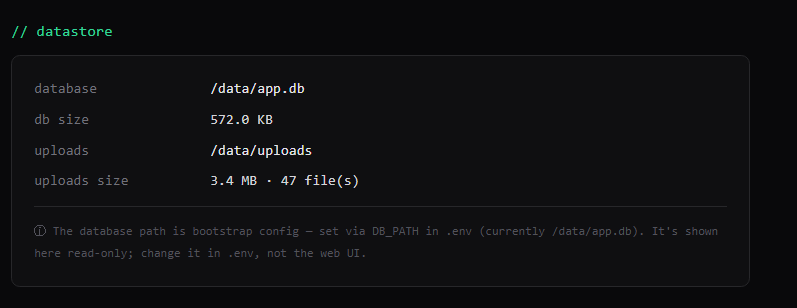
This is already implemented; I implemented a feature where when you make any data entry its automatically saved locally to the local data.
Storage Node Backup
I implement a feature where I can point to any drive and backups will automatically send the data off site after every edit.
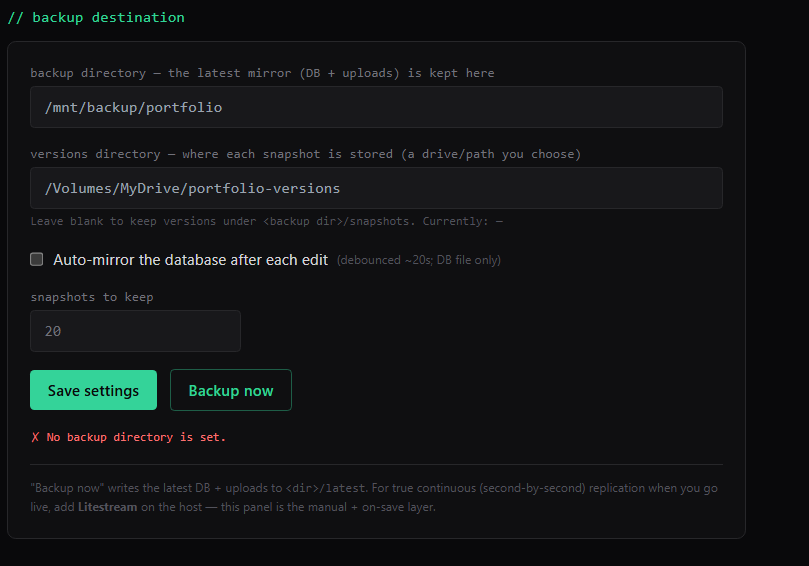
First I need to mount my backup share to my Linux Container as well as my docker stack using this implementation.
Inside my Backup Share in my node 2 I created a folder named website-databases and made the owner my Proxmox Node 1, then I proceeded to only allow the owner to have read and write to prevent any tampering.

Since my backup share is already mounted to my proxmox data center I just need to mount it in my containers config and pass it through docker.

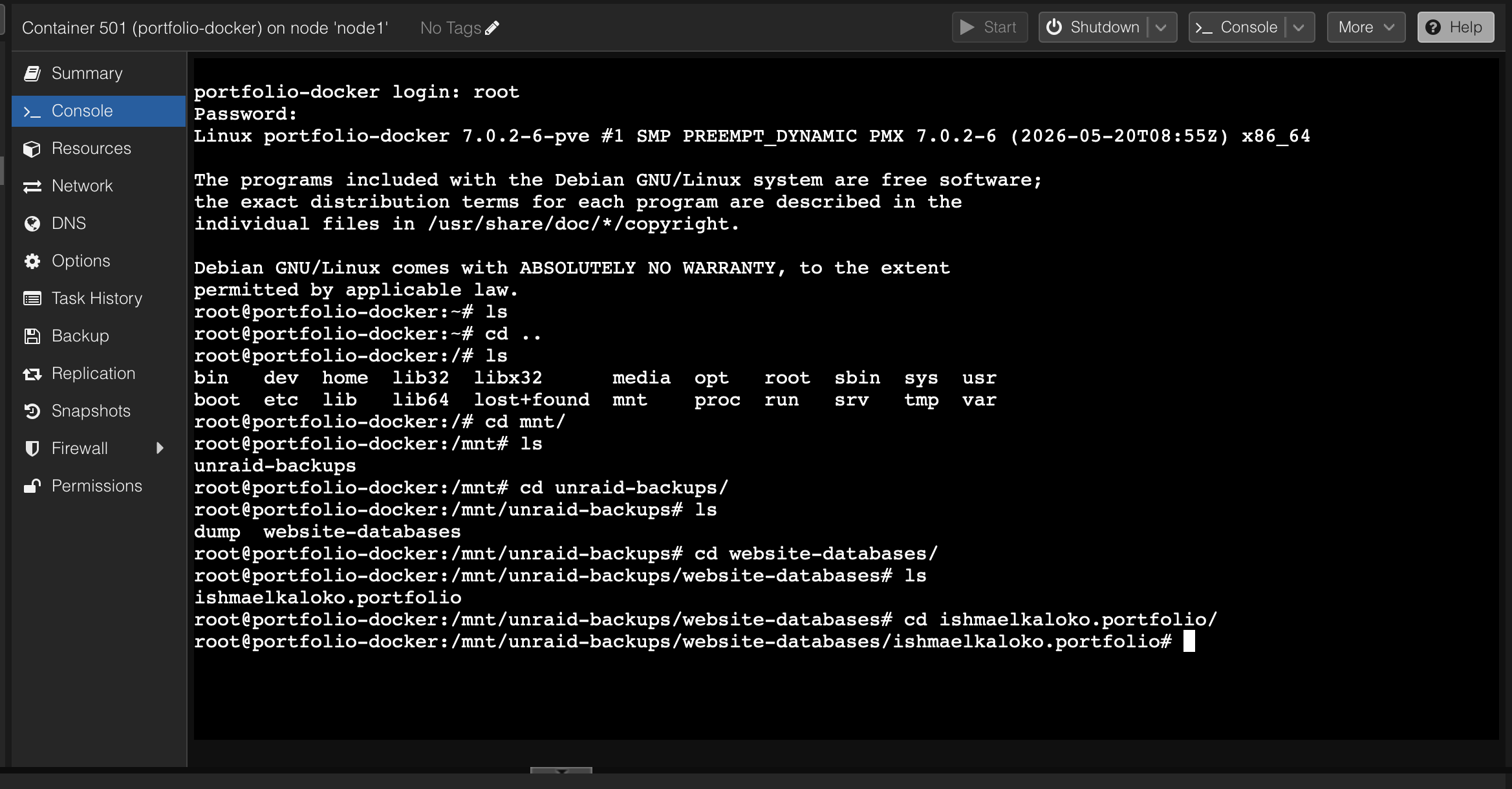
Now I just need to ensure its passed through docker then I just pass the path through my website to backup.
To mount it all I need to do is pass the path through my containers env.

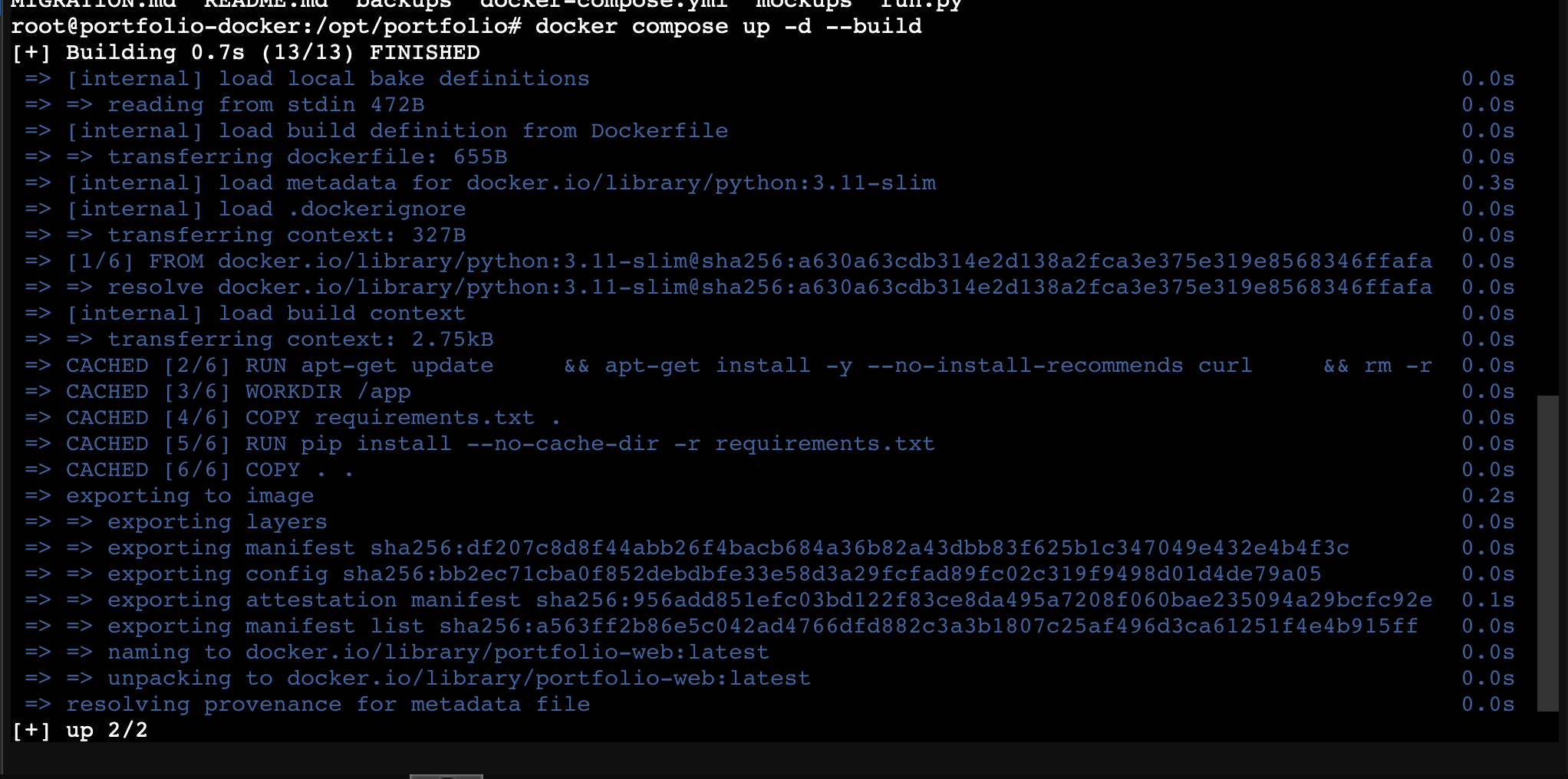
Updated and Rebuilt
// related project
Secure Website Hosting System →